MakeUGC Pricing 2026: What You Actually Get for Your Money
TL;DR: MakeUGC offers transparent pricing starting at $49/month for 5 videos, which is refreshing compared to competitors who hide their prices. However, the low video counts, quality limitations, and the fact that you're getting raw clips rather than finished ads means you'll likely need additional tools to complete your production. For teams wanting polished, ready-to-publish ads with built-in editing, B-roll, and music, Superscale delivers a complete solution at $99/month with 5,000 free credits to test.
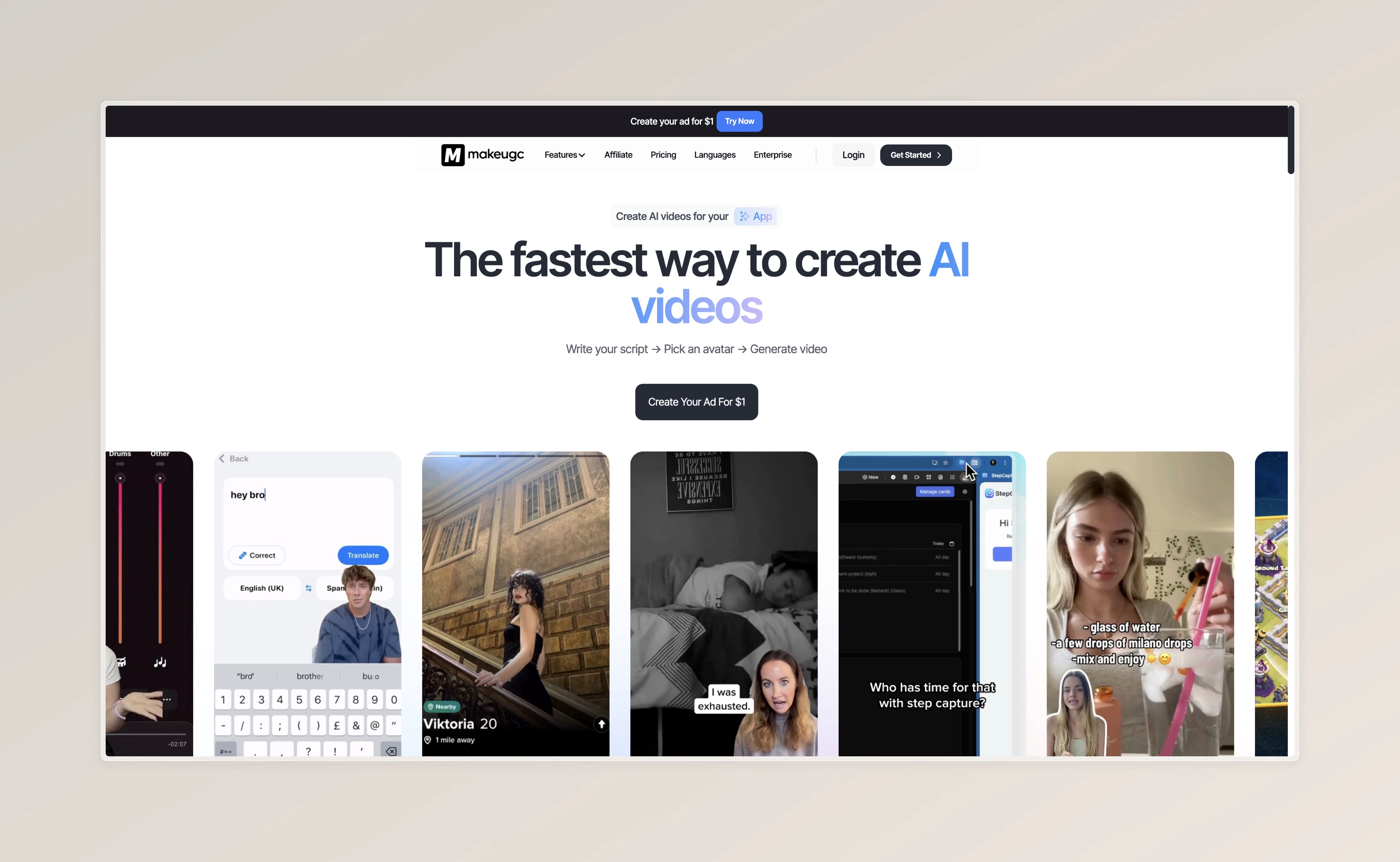
Unlike Arcads which hides pricing behind account creation, MakeUGC shows you exactly what you're paying upfront. That's genuinely helpful for comparison shopping.
But transparent doesn't mean good value. Let's break down what you actually get.
MakeUGC Pricing Overview
Plan
Price/mo
Videos
Cost Per Video
Startup
$49/mo
5 Videos
~$9.80
Creator Plan
$69/mo
10 Videos
~$6.90
Pro Plan
$119
20 Videos
$5.95
Enterprise
Custom
Custom
Negotiable
The Credit System Explained: What Does Each Feature Cost?
Feature
Credit Cost
Real Cost (€)
Normal Avatar
1 credit
€10.00 per video
OmniHuman
1-2 credits
€10.00-20.00
Nova V2
2 credits/min
€20.00 per minute
Model
Credit Cost
Real Cost (€)
Kling 2.6
0.5 credits
€5.00 per video
Veo 3.1
0.5 credit
€5.00 per video
WAN 2.6
1 credit
€10.00 per video
Seadance 1.5
0.5 credits
€5.00 per video
Sora
0.5 - 1.5 credits
€5.00-15.00 per video
Feature
Credit Cost
Real Cost (€)
Image Generation
0.1 credits
€1.00
Animate (WAN)
1 credit per 30s
€10.00/30sec
Gestures
0.5 credit
€5.00
Product in Hand
1 credit (Pro Only)
€10.00
B-Roll (Sora, Veo, Standard))
0.5-1.5 credits
€5.00-15.00
Here's what MakeUGC doesn't emphasize: the videos you create are raw clips that need significant post-production work.
What's Missing From Your Video:
No Built-In Editor
MakeUGC generates avatar clips, but you can't add text overlays, transitions, or combine multiple scenes within the platform. You'll need external editing software.
No Music Library
Your videos come silent or with basic audio. Adding licensed music requires additional subscriptions.
No Dynamic Captions
Captions that move with speech, change colors for emphasis, or animate require external tools.
Raw B-Roll Only
The B-roll generator creates clips, but integrating them seamlessly with your avatar footage? That's on you.
While MakeUGC's avatars are functional, they're not industry-leading:
Common Quality Issues:
Lip-sync inconsistency across different avatars
Robotic movements that feel unnatural
Limited emotional range in expressions
Uncanny valley effect more pronounced than premium competitors
The Product in Hand Limitation
The Product in Hand feature (only available on Pro at $119/month) costs an additional credit per use. And even then, the integration often looks artificial because the AI struggles with realistic hand-product interactions.
Is MakeUGC's Pricing Worth It?

MakeUGC might be worth it if:
You already have a video editing workflow
You only need raw avatar clips to integrate into existing content
You're testing AI UGC at the lowest possible entry point
You have time to finish videos manually
Why do people switch to Superscale?
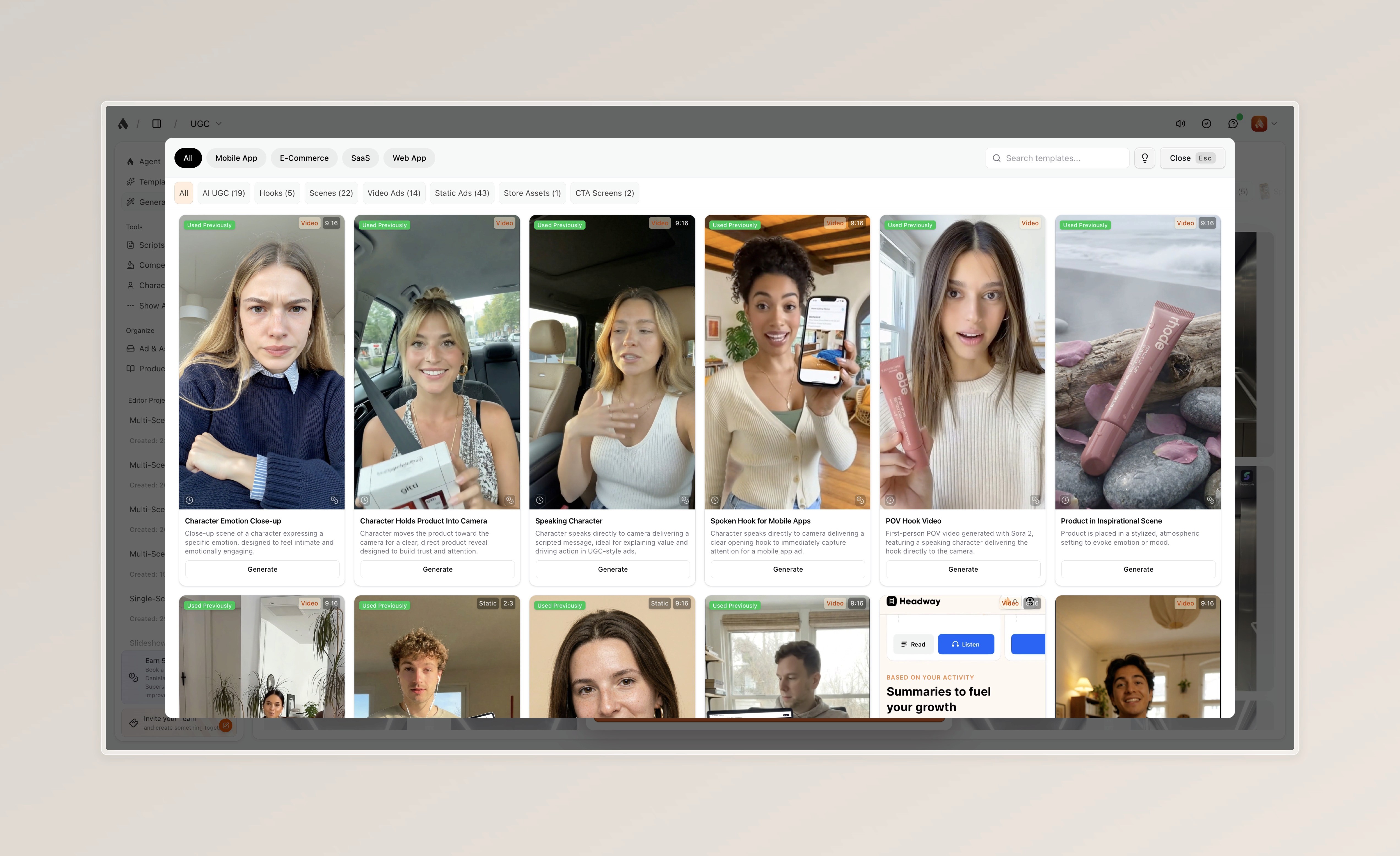
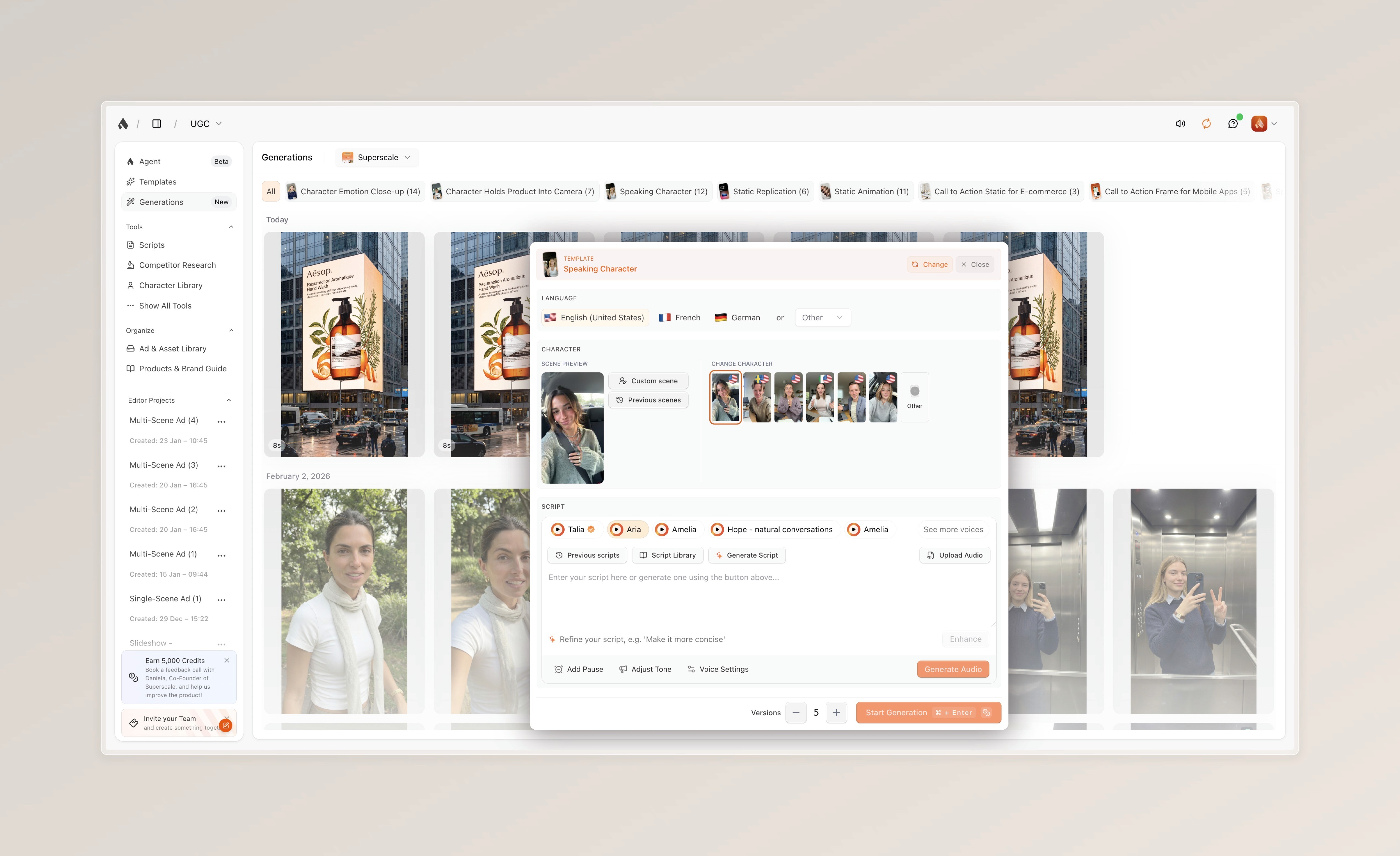
→ Try Superscale for free and see why teams are switching from fragmented tools to a complete ad creation platform.
Read Next
FAQ
Get answers to the most asked questions
Which tool is the most cost-effective for scaling ads?
If you are looking for transparent pricing, Superscale is the winner. It avoids hidden paywalls for essential features (like ElevenLabs voices or custom characters) and includes multi-brand support on all plans. Its "Starter Plan" ($99/mo) offers significant volume, and its conversational guidance ensures you waste fewer credits on failed generations compared to the trial-and-error approach of other platforms.
Which platform is best for E-Commerce or App owners?
Superscale is specifically tailored for these niches. Unlike generic generators, Superscale offers over 70 proven ad templates designed specifically for Mobile Apps, E-Commerce stores, and SaaS Web Apps. It uses your specific ICP (Ideal Customer Profile) and USP (Unique Selling Proposition) data to generate scripts that actually convert.
How is Superscale different from Arcads?
The main difference lies in the workflow. Arcads is primarily an "asset generator," meaning it gives you a video of an actor speaking, but you still need other software to edit, add text, and build the final ad. Superscale is a complete "Ad Studio." It allows you to research competitors, generate full ads (including B-roll and music), edit them on a built-in timeline, and publish—all in one platform.
What are the best alternatives to Arcads in 2026?
The top alternatives currently include Superscale, Creatify, and MakeUGC. While Creatify offers broad features for experimentation and MakeUGC provides a low-cost utility for raw files, Superscale is the most comprehensive alternative. It functions as an end-to-end ad studio rather than just a simple video generator, offering superior realism and a complete workflow from ideation to publishing.